
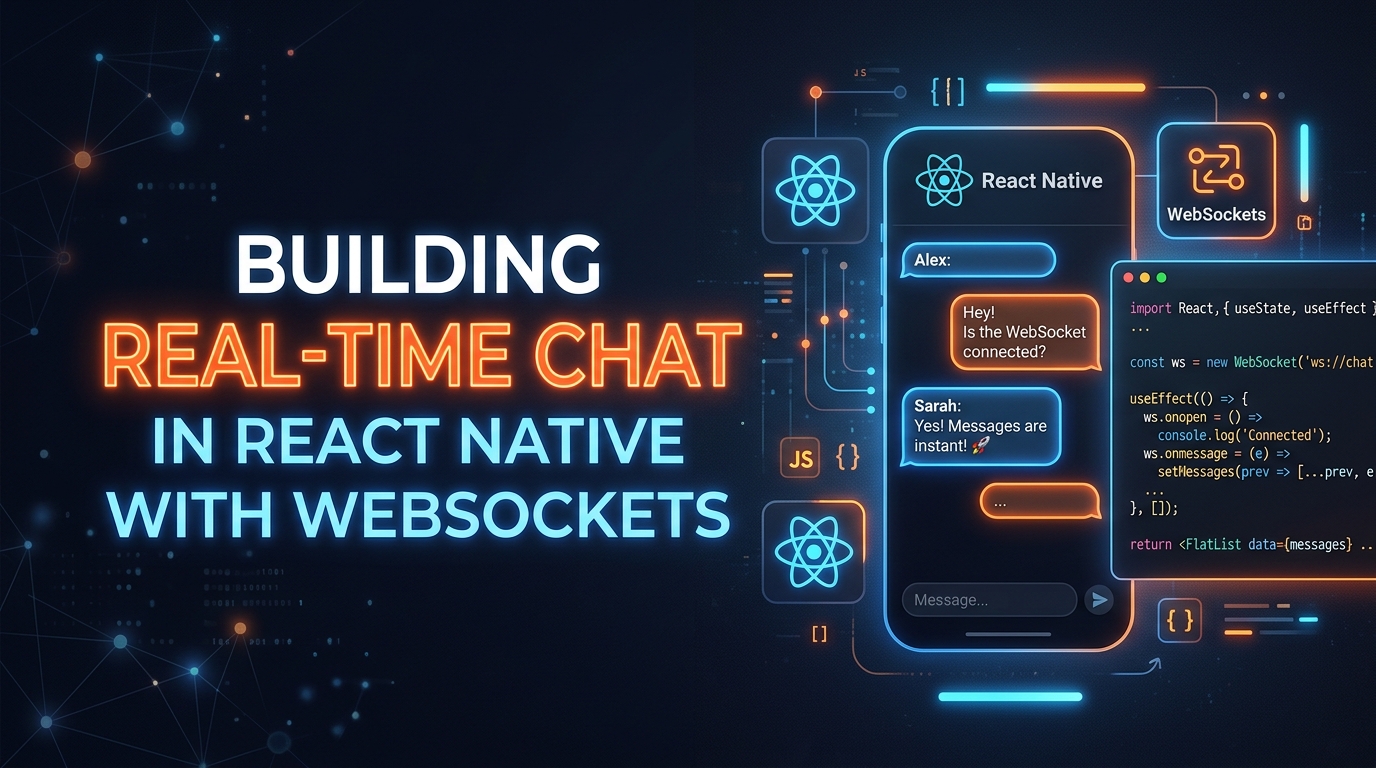
For PQ7 Picklers, I had a clear product requirement: a messaging experience that felt as instant as WhatsApp. No polling, no delays. Users had to see messages appear in real-time across devices — within 200ms.
Here's how I built it, what broke in production, and what I'd do differently.
Why Not Firebase Realtime Database?
Firebase is the obvious "no-backend" answer. But PQ7 already had a custom Node.js backend for user authentication and the sports-matching logic. Adding a Firebase real-time layer would have meant duplicating data models and dealing with two separate auth systems.
WebSockets over our existing backend was the right call. One auth token. One server. One mental model.
The Architecture
The setup is straightforward:
- Node.js +
wslibrary on the server - React Native app connects via
WebSocketAPI (built-in, no library needed) - Messages flow: Client → Server → Broadcast to room participants
- Delivery receipts: Server confirms receipt, client marks "delivered"
"The WebSocket API in React Native works exactly like browser WebSockets. No polyfills, no special libraries. Just new WebSocket('wss://yourserver.com')."
The Code That Actually Matters
// hooks/useWebSocket.ts
import { useEffect, useRef, useCallback } from 'react';

export function useChatSocket(roomId: string, token: string) {
  const ws = useRef<WebSocket | null>(null);
  const reconnectTimer = useRef<NodeJS.Timeout>();

  const connect = useCallback(() => {
    ws.current = new WebSocket(
      `wss://api.pq7.app/chat/${roomId}`,
      [],
      { headers: { Authorization: `Bearer ${token}` } }
    );

    ws.current.onopen = () => {
      console.log('Connected');
      clearTimeout(reconnectTimer.current);
    };

    ws.current.onmessage = (event) => {
      const msg = JSON.parse(event.data);
      // dispatch to Redux store
    };

    ws.current.onclose = () => {
      // Exponential backoff reconnect
      reconnectTimer.current = setTimeout(connect, 3000);
    };
  }, [roomId, token]);

  useEffect(() => {
    connect();
    return () => {
      ws.current?.close();
      clearTimeout(reconnectTimer.current);
    };
  }, [connect]);

  const sendMessage = (text: string) => {
    ws.current?.send(JSON.stringify({ type: 'message', text }));
  };

  return { sendMessage };
}
The Gotchas Nobody Mentions
1. App Backgrounding Kills the Connection
On iOS, WebSocket connections are aggressively killed when the app goes to background. You need to handle AppState changes and reconnect on foreground. FCM push notifications fill the gap — send a push for messages received while backgrounded.
2. React Native's JS Thread Can Throttle WebSocket Events
If your UI is doing heavy animations while messages come in, the JS thread can drop WebSocket events. Solution: put your WebSocket logic in a separate module and avoid processing messages inside animation callbacks.
3. Delivery Receipts Need Server-Side Sequencing
Optimistic UI (showing the message immediately before server confirmation) requires sequence numbers. Without them, messages can appear out of order when network conditions fluctuate. I used a simple monotonic integer ID per room, generated server-side.
The Result
PQ7's chat achieved average message delivery of ~180ms end-to-end on 4G, well under the 200ms target. The reconnection logic handled flaky connections gracefully, and the FCM fallback meant users never missed messages even when backgrounded.
App passed App Store review on first submission. The reviewers specifically tested the chat functionality.
When to Use Firebase Instead
Firebase Realtime Database or Firestore is the right choice if: you don't have a custom backend, your team is small, or you need offline persistence out-of-the-box. Firebase handles all the reconnection, sequencing, and offline sync automatically. The WebSocket approach only makes sense when you already have a backend you control.